Windows & System Checks
Check your Windows version and complete any support-confirmed prerequisites.

Learn how to download, set up, and launch Glacier R6 Unlock All for Rainbow Six Siege with this step-by-step product guide.
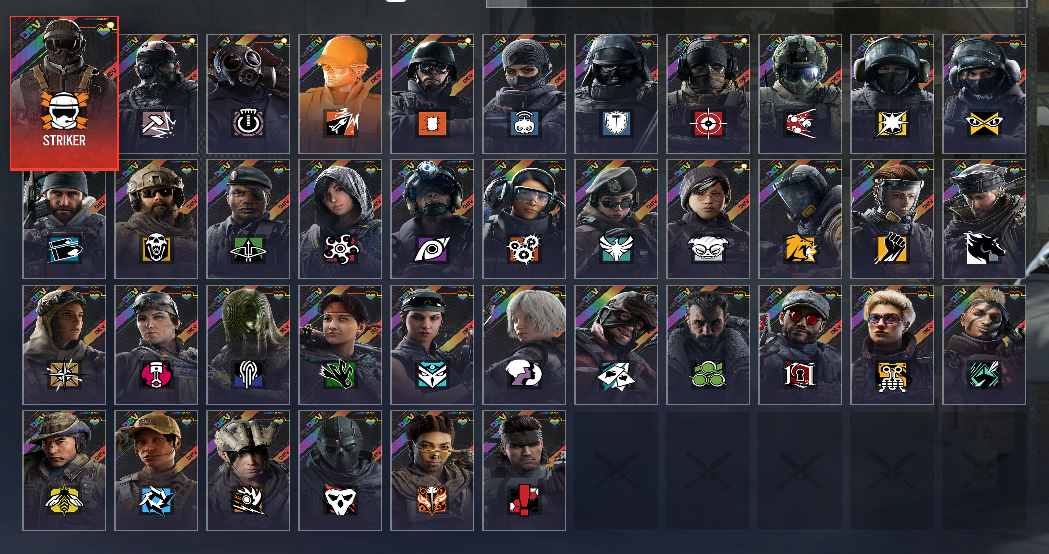
Complete these three checks before starting the loader.
Check your Windows version and complete any support-confirmed prerequisites.
Check for the software conflicts identified in the setup notes.
Keep your order details ready and use a separate account inside the loader.
Download the loader, sign in, and launch Rainbow Six Siege in the order below.
The supplied launcher is called Saphire Loader. Open the download page and download loader.exe.
Use these display and performance checks alongside the setup instructions.
If the menu is missing, use Borderless / Windowed Fullscreen and repeat the launch process.
View Display FixOverlay performanceIf your loader offers an overlay FPS cap, the setup notes suggest 50–80 FPS and lighter graphics settings.
View Performance TipsBefore you startCheck the latest Glacier R6 Unlock All status, especially after a Rainbow Six Siege update.
View StatusChoose the issue that matches what you see and follow the checks in order.
Still need help? Send the support team the information below so they can understand the issue quickly.
Need help with Glacier R6 Unlock All? Open a support request and include the exact error, the step where it happened, and what you already tried.
Open Support