



Product & buyer guide
Rainbow Six Siege Cheats
Aimbot, ESP, wallhack & unlock-all explained
Learn what different R6 cheats do, how their features differ, and what to check before buying. Explore the current products for Rainbow Six Siege on PC, with links to requirements, status information and setup guides.
Ghost Cheats buyer guide · Product information checked 10 October 2026
What are Rainbow Six Siege cheats?
Rainbow Six Siege cheats are third-party tools used to change how a player aims, automate inputs, display extra information or access supported in-game cosmetics. “R6 cheats” and “R6 hacks” are broad labels: they do not describe one standard feature set.
A useful comparison starts with the function you want to understand. Aim automation, player-position information, gadget visuals and cosmetic unlocks do different things, and can be sold as separate products.
R6 aimbot
Aimbot automates or changes target aiming. Product lists may describe aim keys, target-bone selection, field-of-view settings and smoothing. These controls determine what can be configured; their presence does not establish a product's performance or detection status.
Compare the exact aim controls offered. A product advertised with aimbot does not automatically include every aim mode found in another product.
ESP & wallhack
ESP displays additional information through visual indicators or an overlay. Player ESP can include boxes, names, distance, bones or health. World visuals are a separate category and may include gadgets, drones or cameras when specifically listed.
“Wallhack” is often used as a general label for player-visibility features. The actual ESP list is more useful than the label when comparing products.
Recoil scripts & macros
Recoil scripts or macros automate input patterns. They differ from tools that display player information or select targets. A recoil-focused product should not be assumed to include aimbot, ESP or cosmetic unlocks.
Check its supported input method, software or device requirements, and game compatibility. This category explanation does not mean a recoil script is currently available in our catalogue.
R6 unlock-all tools
Unlock-all products focus on supported cosmetics, such as weapon skins, charms or operator items. Their scope differs from aiming and player ESP. The items available and the conditions of access depend on the specific product.
Read the listing carefully for what is included and how access works. An “unlock-all” label alone does not establish permanent ownership of every item.
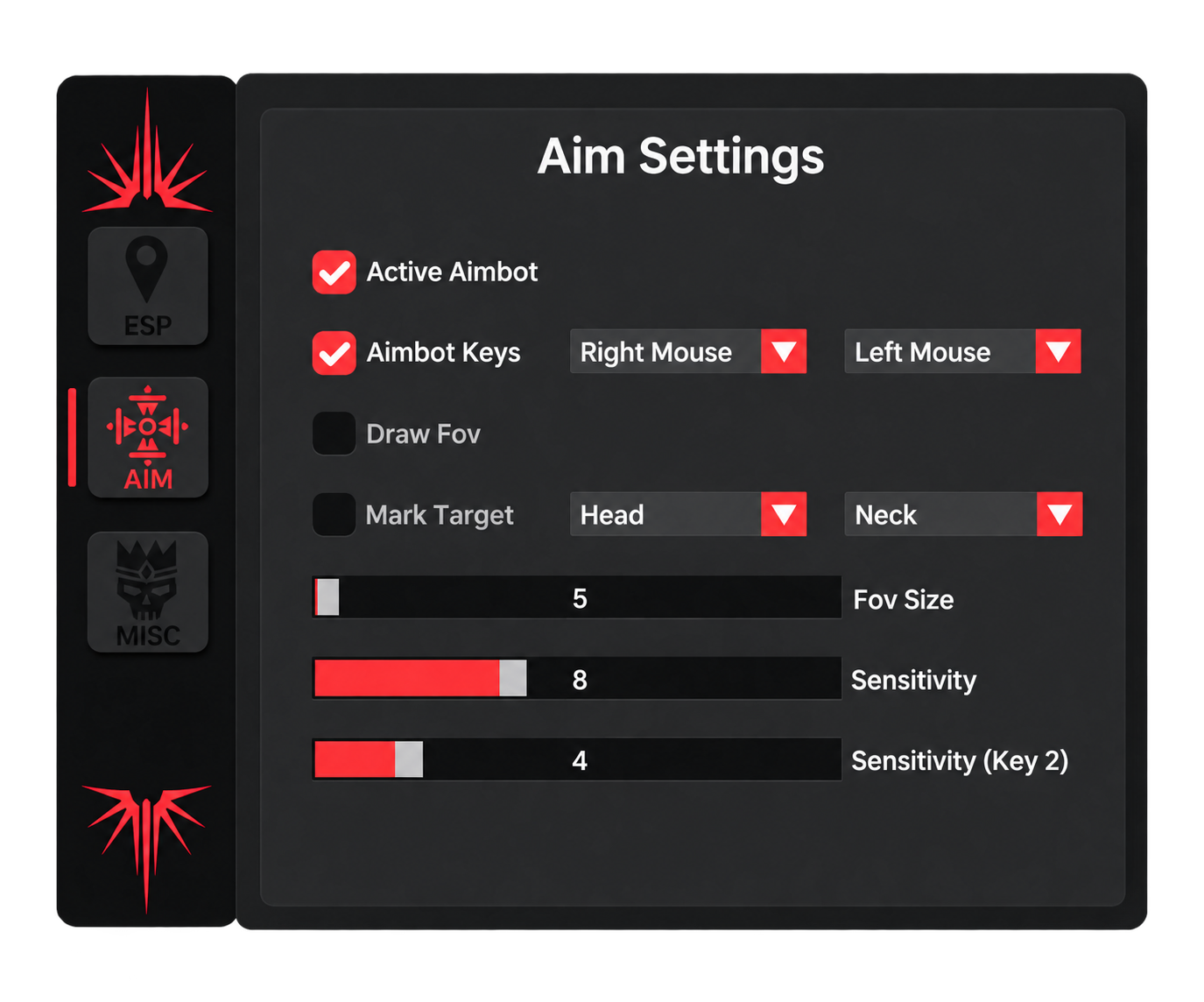
Read the controls behind the feature label
A single “aimbot” feature can contain several separate controls. This menu example shows why a headline feature name is only the starting point for a comparison.
- Aim keys: two separate key selectors are visible.
- Target labels: the screenshot shows Head and Neck options.
- FOV and sensitivity: separate controls appear in the menu.
This is an interface example from one product's documentation. It does not establish live-game performance, a tested Siege version or current compatibility for any product.
Compare functions, not just product names. “Full cheat”, “ESP”, “wallhack” and “unlock all” are not interchangeable specifications. Look for the features explicitly listed for the product you are considering.
Compare our Rainbow Six Siege products
The R6 catalogue currently lists Inferno, Vision and Glacier. The summaries below compare their published scope. Open each listing for its full features, requirements, licence options and current availability.
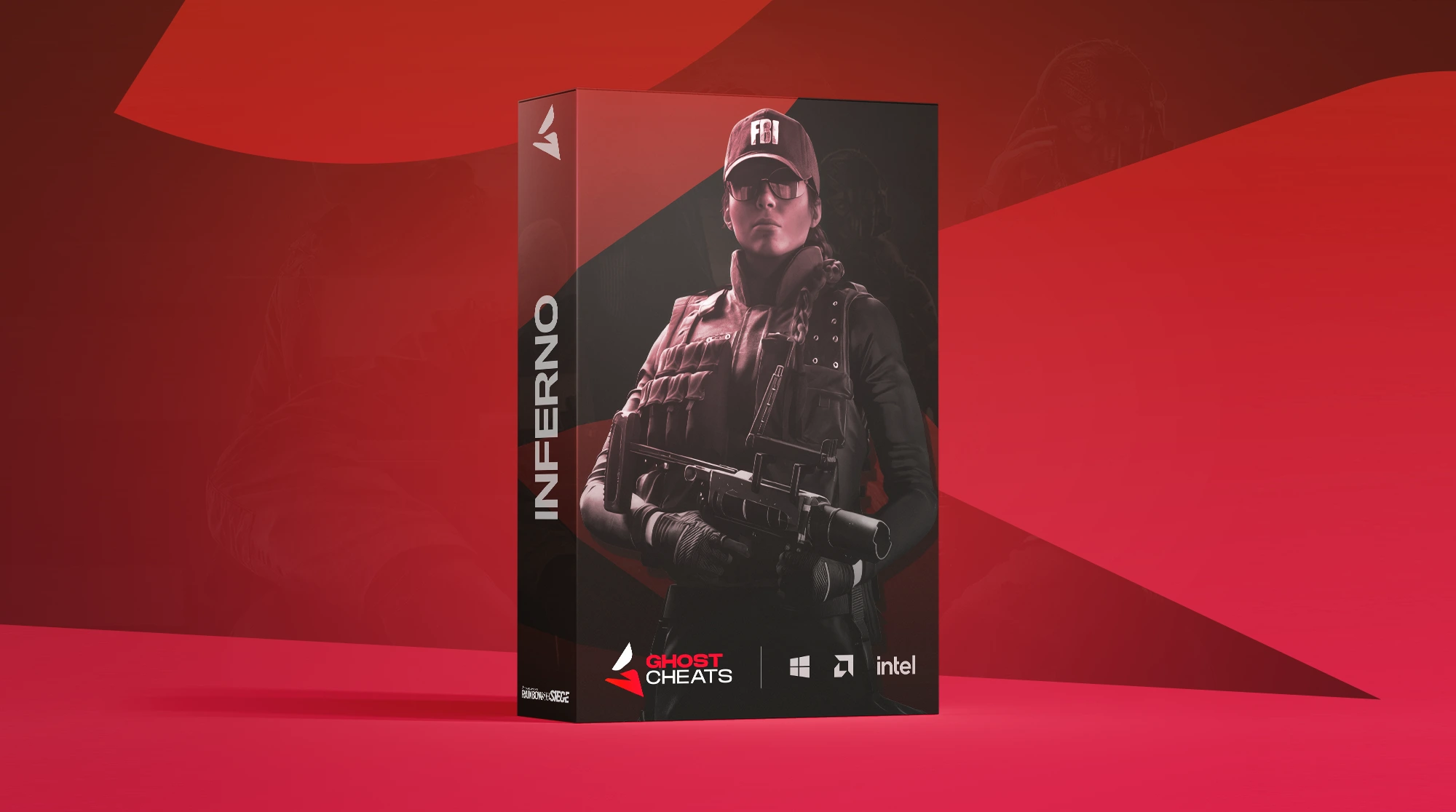
Inferno R6
Lists two aim trigger keys, target selection, aim smoothing and player ESP indicators. Its published feature list centres on configurable aiming and player information.
View Inferno Details
Vision R6
Lists additional aim and visual categories, including silent aim, chams, gadget ESP, drone ESP and camera ESP. Its published scope includes more visual categories than Inferno.
View Vision Details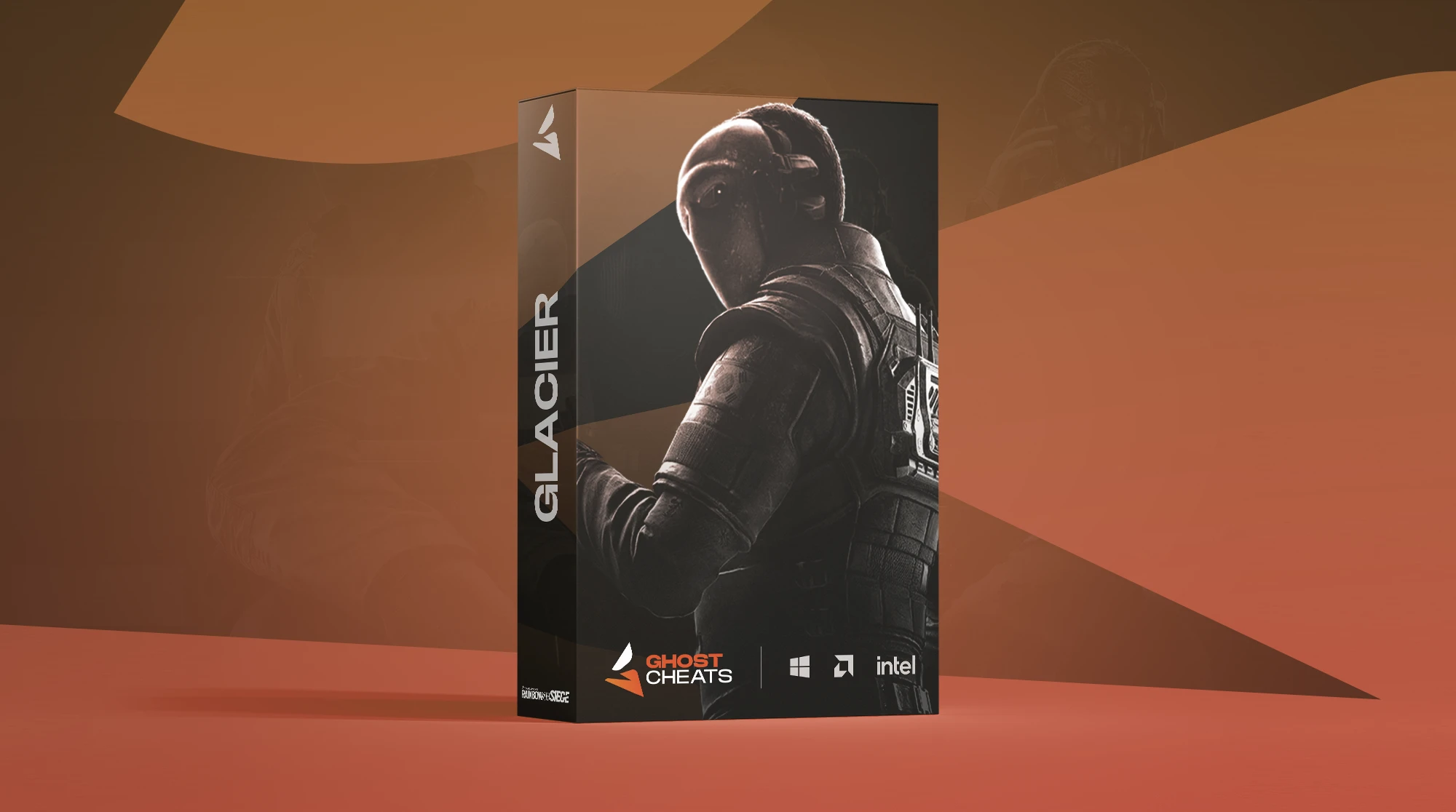
Glacier R6 Unlock All
Focuses on weapon skins, charms, operator cosmetics and other supported items. Consider its cosmetic scope separately from products whose main features are aimbot and ESP.
View Glacier Details| Feature category | Inferno R6 | Vision R6 | Glacier R6 |
|---|---|---|---|
| Aim controls | Aim keys, bone target, strength and smoothing | Memory aim, silent aim, target selection, FOV and smoothing | Not listed |
| Player visuals | Boxes, snaplines, names, distance, bones and health | Player ESP, chams, skeletons and visibility-based colours | Not listed |
| Gadget / world visuals | Not listed | Gadget, drone and camera ESP | Not listed |
| Cosmetic unlocks | Not listed | Not listed | Supported skins, charms and operator cosmetics |
| Windows | Windows 10 / 11 | Windows 10 / 11 | Windows 10 / 11 |
| Processor | Intel or AMD | Intel or AMD | Intel or AMD |
| Extra hardware | No DMA card or second PC required | No extra hardware required | Not specified in the listing reviewed |
| PC launchers | Ubisoft Connect, Steam and Epic Games | Not specified in the listing reviewed | Not specified in the listing reviewed |
| Licence options listed | 1 day, 1 week, 1 month | 1 day, 1 week, 1 month | 3 days, 1 week, 1 month |
“Not listed” means the feature is absent from the published list we reviewed. “Not specified” means the listing did not answer that requirement. A Windows 10 / 11 label does not confirm every Windows build or configuration. Licence options shown here do not establish current stock.
How this comparison was made
We compared the published features and requirements on the Inferno, Vision and Glacier listings on 10 October 2026. This covers Ghost Cheats' catalogue and is not an independent ranking of every provider. No hands-on performance, detection-rate or current-build test is claimed. Open each source listing for the latest information.
PC requirements and software vs. hardware setups
The three listings reviewed here name Windows 10 / 11 and Intel or AMD processors. The comparison table shows the hardware and launcher information each listing provides. Match those requirements to your PC, then read the product-specific setup instructions.
- Windows version and systemConfirm the operating-system requirements and any build-specific instructions. Check the supported processor and other listed requirements instead of assuming every Windows PC is covered.
- Game platform and launcherVerify the supported PC edition and launcher. A product listed for Windows does not establish compatibility with Xbox or PlayStation.
- Required hardwareSoftware-based products and DMA setups have different requirements. Inferno is listed as not requiring a DMA card or second PC; check other products individually.
- Preparation and setupRead the relevant guide before purchase. Understand any preparation it requires and ask support about an unclear requirement before choosing a licence.
DMA describes a hardware setup, not a feature list. It does not by itself tell you whether a product includes aimbot, ESP or cosmetic access. If you are comparing hardware setups, use our DMA equipment and setup guide alongside the requirements of the software involved.
Game updates, product status and “undetected” claims
Rainbow Six Siege updates and product maintenance can affect compatibility or availability. Check the latest product information before purchase or use, especially after a game patch. Use Ubisoft’s official Siege news and patch notes to identify game updates, and the product status page for the seller’s reported status.
Stock availability
Stock answers whether you can order a particular product or licence duration. Different durations can have different availability. Open the product listing and check the option you are actually choosing.
Reported product status
Status reports the product's current operating or detection information. It is separate from stock: a status label and a purchasable licence are different checks. Visit our product status page for the published information.
“Undetected” does not mean ban-proof. A reported status cannot guarantee future detection outcomes or protect an account from sanctions. Ubisoft's Player Protection Core Rules prohibit cheating and input automation that provides an unfair advantage, with possible sanctions including permanent bans. The same risk should be considered when comparing different tool types.
R6 plans, pricing and digital delivery
Licence durations and prices vary by product. Compare the total price for the duration you want, the currency shown in the store, and the features actually included. A lower starting price is not a complete comparison if the duration or product scope differs.
What to check in a plan
- The exact product and licence duration.
- The current total price and currency.
- Stock for your chosen duration.
- When the licence timer starts and what applies during downtime, if those details affect your decision.
Ask support to clarify any plan condition that is not explained in the listing.
Access after purchase
Eligible digital purchases are supplied electronically after payment confirmation. Use your Ghost Cheats account and order information to find the relevant licence access and product instructions.
Read our Terms of Use and Refund Policy for the conditions that apply to your purchase. Contact support with your order details if access is missing or a product issue needs investigation.
Rainbow Six Siege installation guides and troubleshooting
Use the guide for your exact purchase. Instructions for one R6 product should not be assumed to apply to another, even when both offer aimbot or ESP. Our guide index, individual product documentation and support page give you the next step.
Product guide index
Start with the product guides to find the instructions relevant to your purchase. Review preparation, installation and any product-specific requirements.
Browse product guides →Inferno R6 setup
The Inferno guide includes preparation, installation and troubleshooting. It has sections for connection errors, launcher problems and visual issues.
Open the Inferno R6 guide →Ghost Cheats support
Include the product, Windows version, exact error message, the step where the issue occurred and the checks you have already completed.
Contact product support →Rainbow Six Siege cheats FAQ
What is the difference between R6 cheats and R6 hacks?
These are broad terms often used for third-party game tools. Neither is a precise specification. Compare the listed functions, such as aimbot, ESP, recoil automation or cosmetic unlocks, rather than relying on the name.
Does every R6 cheat include aimbot and ESP?
No. Product scope differs. Some tools focus on aiming or visual information, while a cosmetic unlock tool serves a different purpose. Read each feature list to confirm what is included.
Is player ESP the same as gadget or drone ESP?
No. Player ESP displays information about players. Gadget, drone and camera visuals are separate categories and should be explicitly listed if you need them.
Do PC Rainbow Six Siege cheats work on Xbox or PlayStation?
The Inferno, Vision and Glacier listings reviewed here describe Windows PC products. Console support is not advertised in those listings. Check the requirements for your exact platform before purchase.
Are free or paid R6 cheats automatically safe?
No. Price does not establish compatibility, security or protection from a ban. Paying for access does not change Ubisoft's rules against cheating. Check the actual product information and consider the account risk.
Will an R6 cheat work after every game update?
It should not be assumed. Updates can require maintenance or compatibility changes. Check the product listing, current status and relevant guide after a Siege patch.
Does an unlock-all tool permanently add every skin?
The label alone does not establish that. Read the product's supported-item list and access conditions. Ask support about duration or persistence if the description does not explain it.
How should I compare R6 products before buying?
Compare feature scope first, then your system requirements, current stock and reported status. Finally compare the same licence duration and currency, and review the setup guide and purchase terms.
Explore the Rainbow Six Siege catalogue
Compare current products, check their requirements and see the licence options available. Open the listing that matches the features you want to review.
About this guide: prepared by Ghost Cheats. Product comparisons use the linked store listings, reviewed 10 October 2026. Prices, stock and reported status remain on their live pages. The general categories above are explanations, not claims that every type is sold here. Ghost Cheats is an independent seller and is not affiliated with Ubisoft.